Chapters
- 0:00 Introduction
- 0:10 Default Categories Overview
- 0:30 Expenses vs. Income Tabs
- 0:45 Subcategories
- 1:05 Creating Custom Categories
- 1:25 AI Auto-Tag Transactions
- 1:45 Import & Search
TL;DR
Categories are the backbone of your financial picture. rogat.ai comes with 20+ pre-built categories — Housing, Transportation, Groceries, Dining, Utilities, Entertainment, and more — each with subcategories for granular tracking. You can create your own, edit or delete any of them, and let AI auto-tag your transactions so everything stays organized without manual work.
What You'll See
- Pre-built Categories — Housing, Transportation, Groceries, Dining, Utilities, Entertainment, Shopping, Health & Fitness, Education, Travel, Kids, Pets, Gifts & Donations, Subscriptions, Transfer, Financial, Taxes, and Uncategorized. Each has an emoji icon for quick recognition.
- Subcategories — Expand any parent category to see its subcategories. Housing breaks down into Rent/Mortgage, Property Tax, Insurance, Maintenance, and more. Transportation splits into Gas, Parking, Public Transit, Ride Share, and Auto Insurance.
- Expenses vs. Income — Toggle between expense categories and income categories. Income includes Salary, Freelance, Investment Returns, Government Benefits, and others.
- Custom Categories — Hit "+ New Category" to create your own. Choose a name, emoji icon, and whether it's an expense or income category. Edit or delete any category with the inline action buttons.
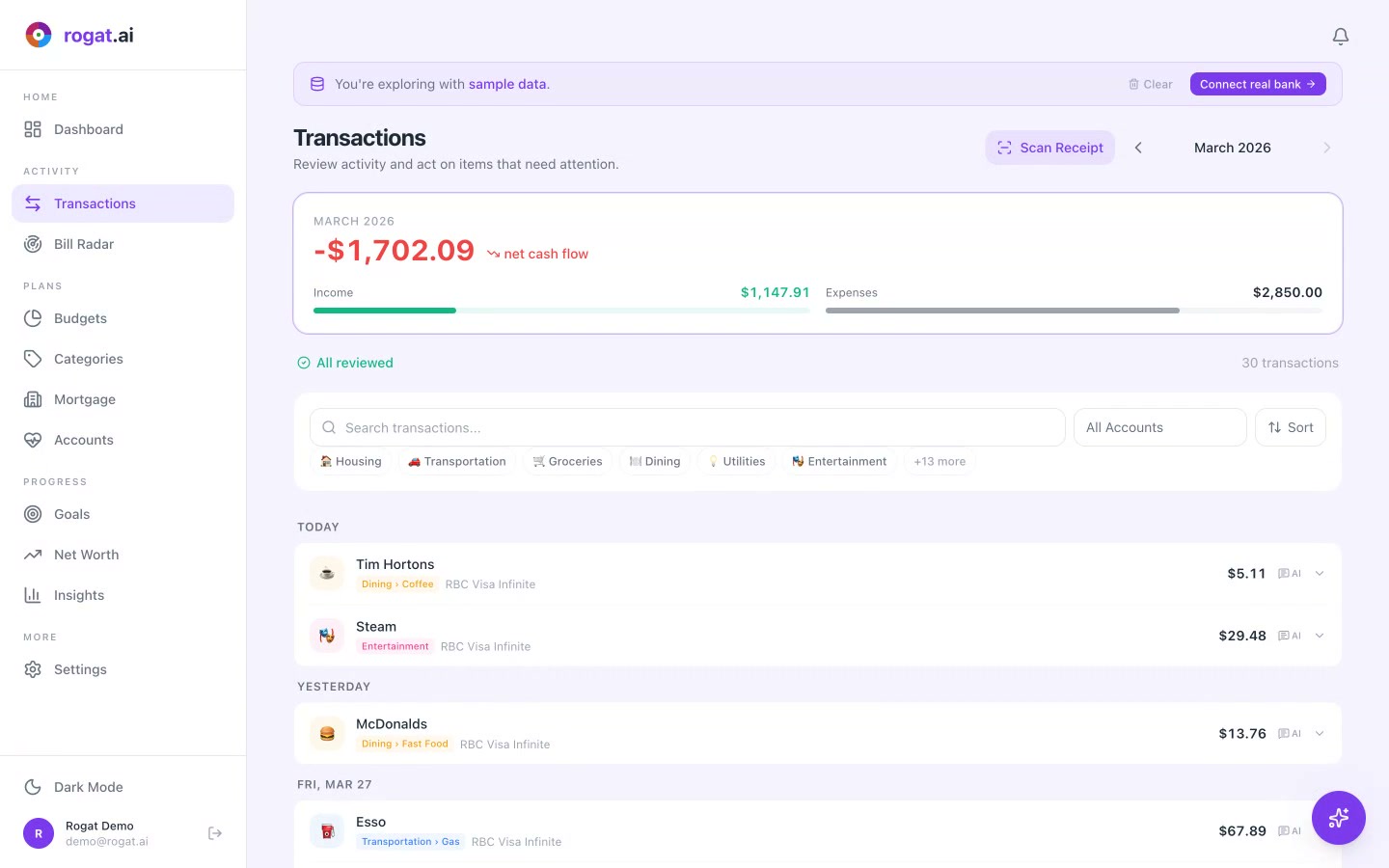
- AI Auto-Tag — One click to let AI scan all your transactions and assign the right category. Tim Hortons goes to Dining, Shell to Transportation, Netflix to Subscriptions — automatically.
- Import — Bring in your category setup from another app or spreadsheet. No need to start from scratch.
- Search — Quickly find any category by name with the search bar.
Why It Matters
Without categories, your transactions are just a list of numbers. With categories, they become a story — one that tells you exactly where your money goes. The pre-built categories cover 95% of what Canadians spend on, but the ability to customize means you can track anything that matters to you.
The AI auto-tagging is the real time-saver. Instead of manually categorizing dozens of transactions every week, you let the AI handle it. It learns from your corrections over time, getting more accurate the more you use it.
Tip: Don't over-categorize. The default categories are designed to give you enough granularity without creating noise. Use subcategories for areas where you want deeper insight (like breaking Housing into Rent vs. Maintenance), but keep the top level clean.
More Tutorials
Organize Your Finances in Minutes
20+ categories out of the box, AI auto-tagging, and full customization. Sign up free and let your money tell its story.
Sign Up Free