Chapters
- 0:00 Introduction
- 0:10 Monthly Budget Overview
- 0:25 Safe to Spend & Forecast
- 0:40 Category Budget Cards
- 1:00 Budget Detail & Spending Pace
- 1:20 Watch List & At-Risk Categories
- 1:40 Creating & Editing Budgets
TL;DR
rogat.ai budgets do more than track limits — they tell you if you're on pace. You get a monthly overview showing total budget utilization, per-category cards that flag over-budget and at-risk spending, a Safe to Spend number that updates daily, and a spending pace calculator that tells you exactly how much you can spend per day for the rest of the month.
What You'll See
- Monthly Budget Overview — Total spent vs. budgeted with a progress ring (85% in the video). Below it: Safe to Spend per day, how many categories are on track, at risk, or over budget.
- AI Nudges — Contextual alerts like "2 budgets over limit. Review your spending in those categories — small cutbacks now prevent larger shortfalls." Actionable, not alarming.
- Category Cards — Each budget gets its own card: Transportation ($495 of $450, 110%, Over Budget), Dining ($208 of $200, 104%, Over Budget), Utilities ($283 of $350, 81%, On Track), Groceries ($1,076 of $1,350, 80%, On Track), and more.
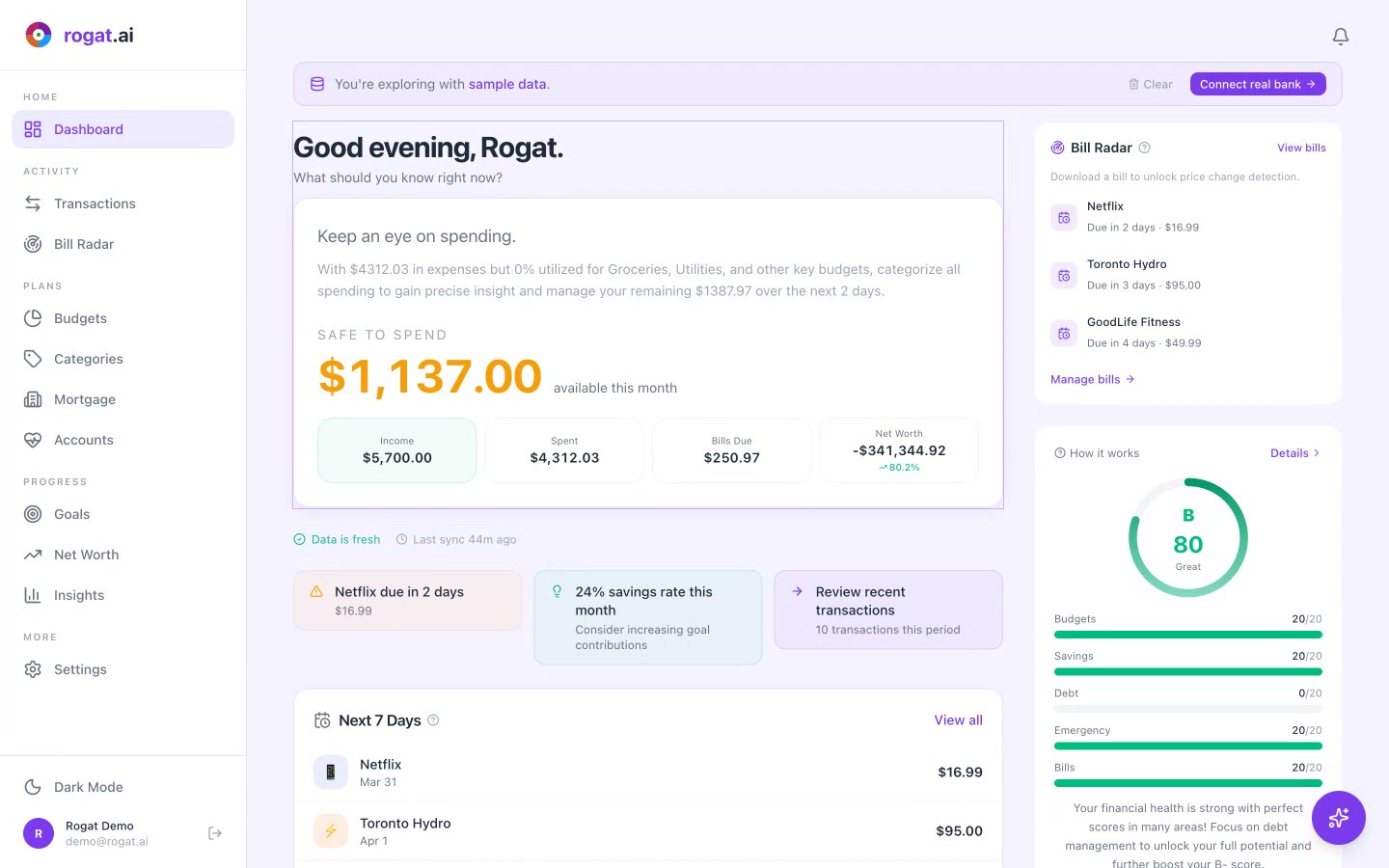
- Safe to Spend Sidebar — Shows your remaining daily budget ($135.34/day for 3 remaining days), total remaining, and total spent so far.
- Forecast — Predicts which categories will end the month over budget, at risk, or on track. Lets you course-correct before it's too late.
- Watch List — Categories trending toward their limit. Groceries at 80%, Utilities at 81% — not over yet, but worth watching.
- Spending Pace — Drill into any category to see current daily pace vs. ideal daily pace vs. safe pace remaining. If you're spending $17.69/day on transportation but should be at $14.52/day, you know exactly how much to cut back.
Why It Matters
Most budgeting apps show you a bar chart and let you figure out the rest. rogat.ai's budgets are designed to answer the question you actually have: "Am I going to be okay this month?"
The spending pace feature is the key differentiator. Knowing you've spent $495 on transportation doesn't mean much on its own. But knowing you're spending $17.69/day when you should be at $14.52/day — that's actionable. The forecast takes it further by predicting which categories will blow their limit based on your current trajectory.
Tip: Focus on the "Over Budget" and "At Risk" categories first — they're sorted to the top automatically. Small adjustments in those areas have the biggest impact on staying within your overall budget.
More Tutorials
Budget Smarter, Not Harder
AI-powered budgets that track your pace, predict your month, and keep you on course — all for free.
Sign Up Free