Chapters
- 0:00 Introduction
- 0:15 Account Overview & Net Position
- 0:35 Assets vs. Liabilities Breakdown
- 0:55 Connection Health & Sync Status
- 1:15 Linked Institutions
- 1:35 Individual Account Details
- 2:00 Quick Actions & Linking New Accounts
TL;DR
The Accounts page is your central hub for every bank account, credit card, and loan connected to rogat.ai. You get a single view of your total net position — assets minus liabilities — with real-time sync status, connection health monitoring, and the ability to drill into individual accounts. It's how rogat.ai knows your full financial picture.
What You'll See
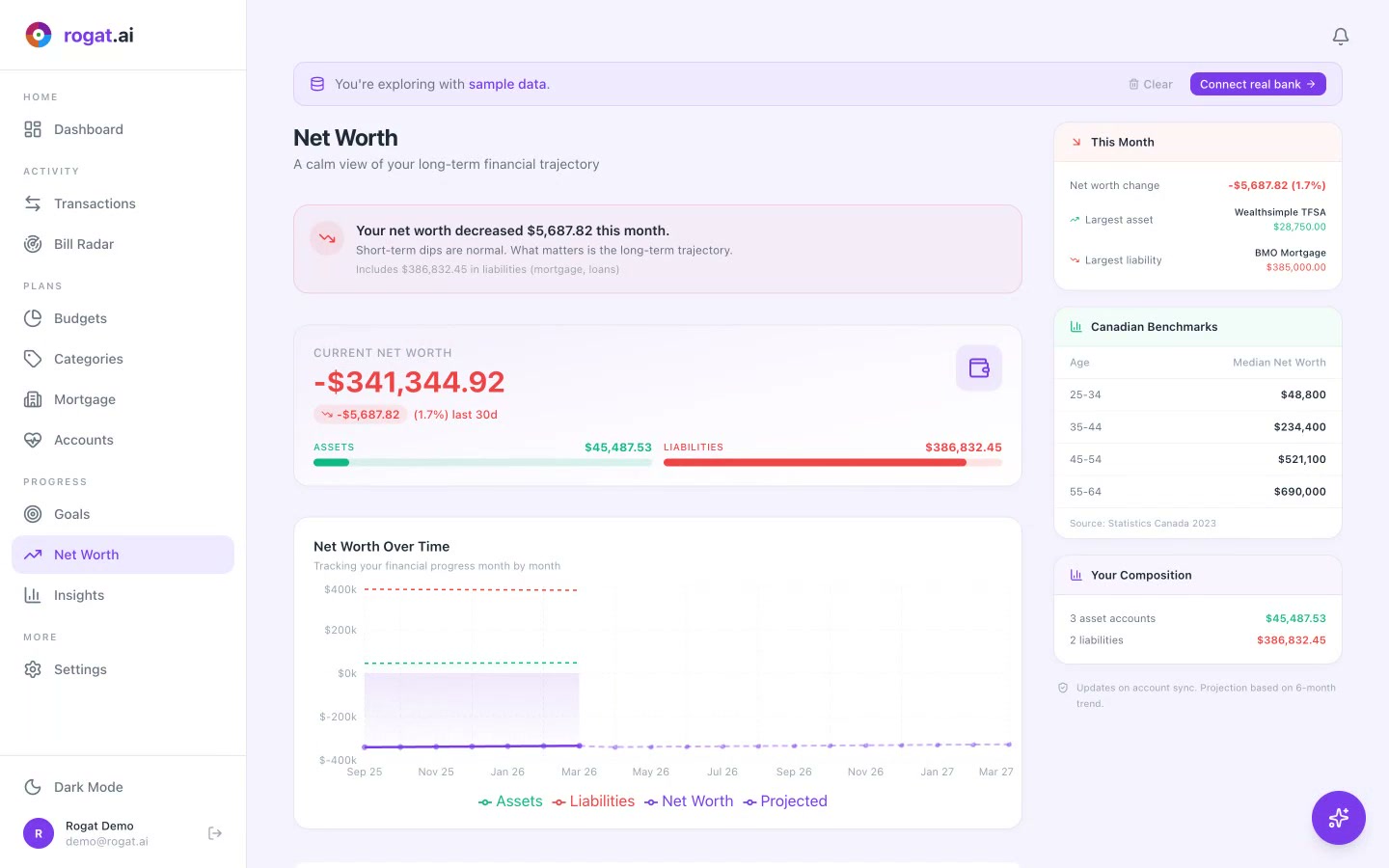
- Net Position — Your total across all accounts: assets ($45,487.53) minus liabilities ($386,832.45). One number that tells you where you stand.
- Assets & Liabilities — Visual breakdown bar showing the split. See exactly how much sits in chequing, savings, and investment accounts vs. what you owe on credit cards, mortgages, and loans.
- Connection Health — Real-time status of every bank connection. Green means synced recently; issues are flagged immediately so you can reconnect before data goes stale.
- Sync Status — See when each institution last synced and how long ago. "Sample Data — 2h ago" means your data is fresh.
- Account Summary Sidebar — Quick counts: 3 asset accounts ($45,487.53), 2 liabilities ($386,832.45). At a glance, without scrolling.
- Linked Institutions — Accounts grouped by bank. TD Chequing ($4,287.53), RBC Visa Infinite (-$1,832.46), and more — each showing balances and utilization.
- Quick Actions — "Refresh every active institution" and "+ Add another connection" buttons right at the top. No digging through menus.
Why It Matters
Most people check their bank app for one account at a time. If you have a chequing account at TD, a credit card at RBC, a mortgage at BMO, and a TFSA at Wealthsimple — that's four apps, four logins, four separate views of your money.
rogat.ai pulls them all into one page. The net position number is especially powerful — it's the single number that summarizes your entire financial situation. And because connection health is monitored automatically, you never have to wonder if your data is out of date.
Tip: Link all your accounts — even the ones you don't check often. Your mortgage, TFSA, and credit cards all affect your net worth and spending picture. The more complete the data, the more accurate your dashboard, budgets, and insights become.
More Tutorials
See All Your Money in One Place
Connect your banks, credit cards, and loans. rogat.ai keeps everything synced and your financial picture complete — for free.
Sign Up Free